Connect Admode to your AI
Two minutes, once. Then you ask for ads in plain words.
Admode’s link
https://mcp.admode.ai/mcpAdd it in three steps
- Open Connectors
In Claude, go to Customize → Connectors, click Add and choose Add custom connector.
- Paste the link
Name it Admode AI, paste the link and click Add.
- Sign in and ask
Click Connect and sign in to Admode once. Then turn Admode AI on in a chat and ask for ads.
Signed in with the same Claude account, Claude Code has Admode AI too. Type /mcp to see it. Signed in with an API key instead? Run this once:
claude mcp add --transport http admode https://mcp.admode.ai/mcp- Open Plugins
In ChatGPT, open Plugins in the sidebar, click Add and choose Create MCP App. No Create MCP App? Turn on Developer mode in ChatGPT’s settings.
- Paste the link
Name it Admode AI, paste the link, tick the box and click Create.
- Sign in and ask
Click Continue to Admode AI and sign in once. In a chat, pick Admode AI from the + menu and ask for ads.
Codex keeps its own list. Run these once in your terminal; the Codex app and its editor extension then have it too.
codex mcp add admode --url https://mcp.admode.ai/mcpcodex mcp login admode- Open Plugins
In Grok, open Plugins in the sidebar, click New Connector and choose Custom.
- Paste the link
Name it Admode AI, paste the link and click Add Connector.
- Sign in and ask
Sign in to Admode once. In a chat, type @Admode AI and what you want to make.
- Add a connector
In your app, such as Cursor or VS Code, add a connector or MCP server. If it asks what kind, choose remote or HTTP.
- Paste the link
Name it Admode AI and paste the link.
- Sign in and ask
Sign in to Admode once when it asks. Then ask for ads.
Then send your first ask
- If your AI asks before using Admode, allow it.
- Admode asks about your brand once, and keeps it.
- You get three ads, each checked, ready to render.
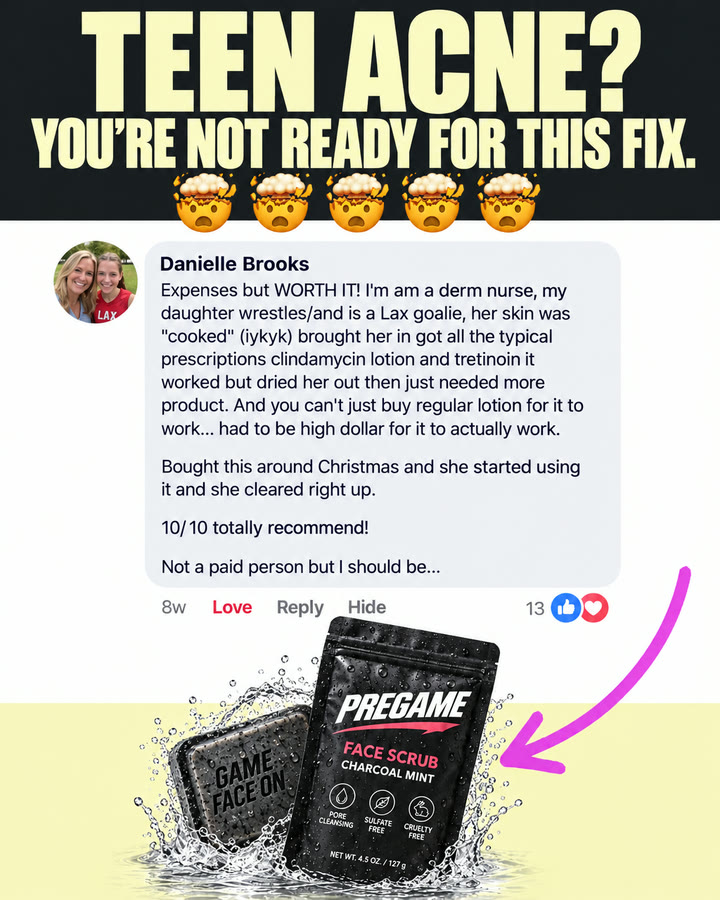
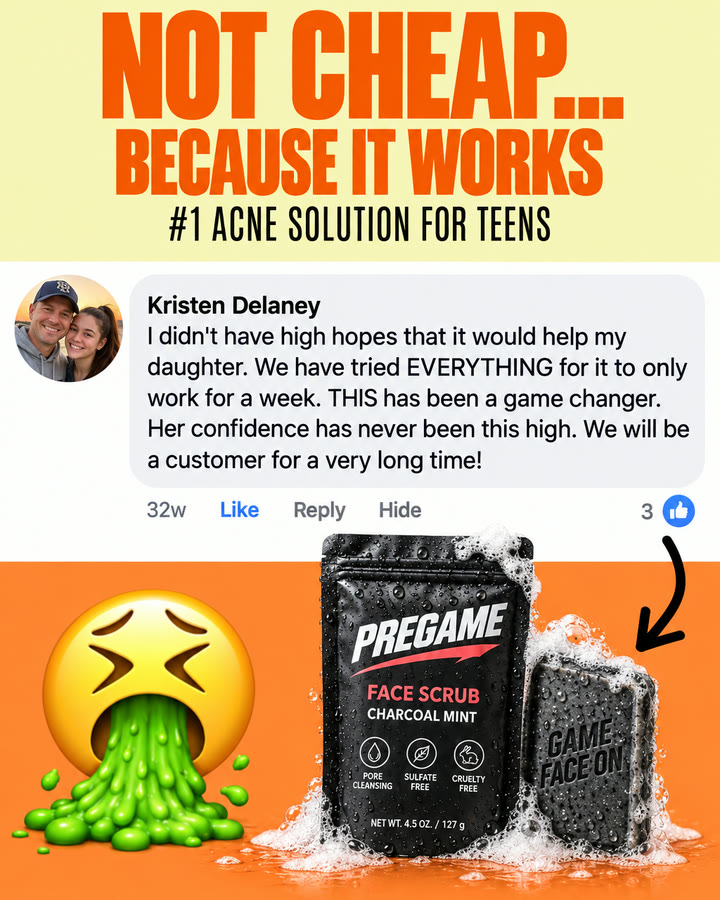
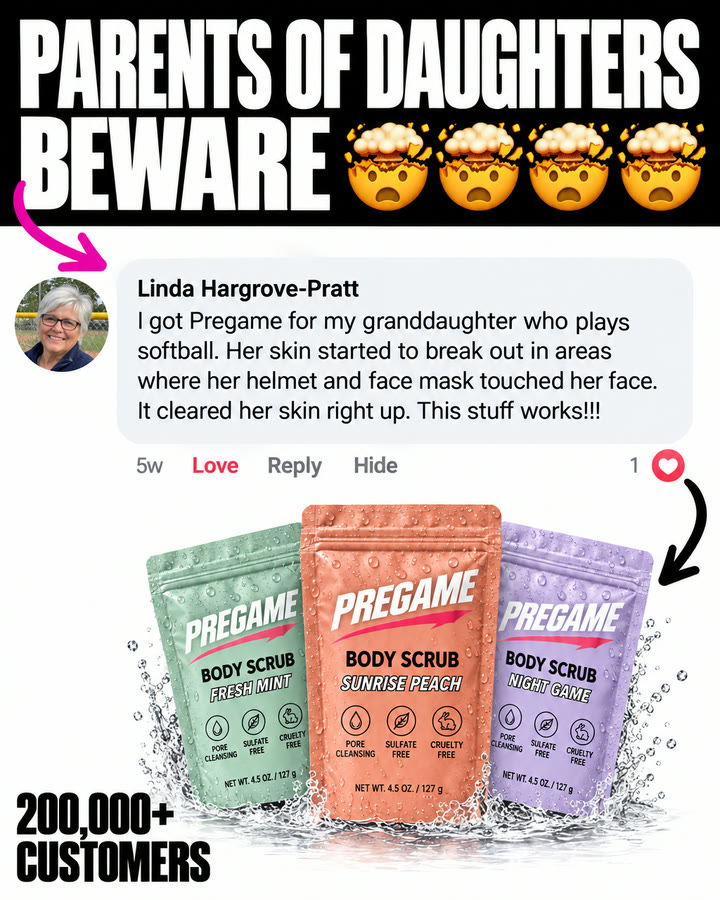
Then ask for anything:
If something’s off
- Admode isn’t in my chat
- Start a new chat and turn Admode AI on there. AI apps load a new connector in new chats.
- I can’t find Connectors or Plugins
- Some AI apps keep them to paid plans or behind a setting, like ChatGPT’s Developer mode.
- It asks me to sign in again
- Sign in with the email you started your plan with.
Still stuck? Write to support.